
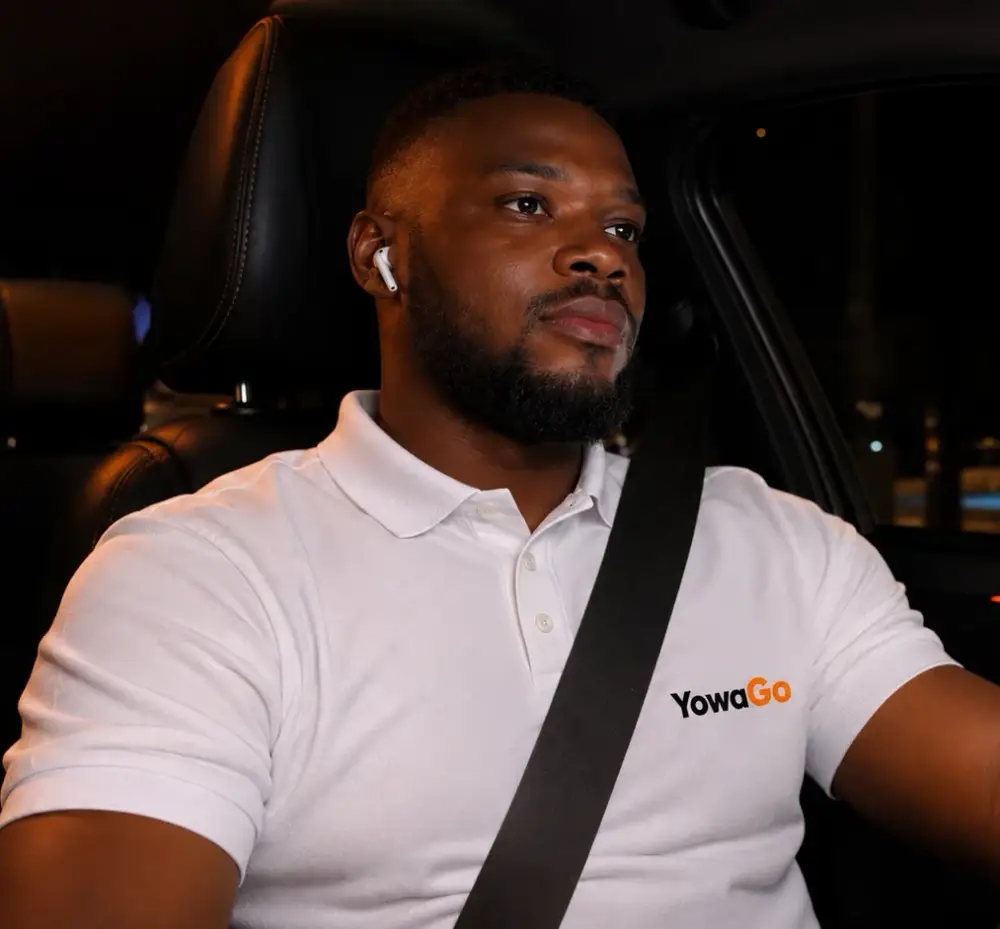
Drive
Drive with YowaGo.
Got a car or a moto, and want to drive at your own pace? Here’s who can drive with YowaGo, the documents to prepare and how applying works, step by step.
YowaGo Pro is available on Android. It’s coming soon to iPhone.
YowaGo hits the road in Kinshasa, Lubumbashi, Kisangani and Kolwezi in February 2027.
Before you start
Who can drive, and with which documents.
-
Who can drive
Car and moto drivers who hold a valid licence for their vehicle.
-
Documents to prepare
- Your driving licence: category B for a car, a motorcycle licence for a moto.
- Your identity document.
- The vehicle registration card.
- A photo of the vehicle.
- A photo of yourself.
-
Your earnings, clearly
Riders pay in cash, by mobile money or by Visa card, and YowaGo Pro shows your earnings, ride after ride.
Applying
How applying works.
-
You get in touch.
Write to us or call us to apply.
-
You send your documents.
The team asks for them after you get in touch.
-
The team reviews your application.
Your account is activated once it is approved.
-
You start, with YowaGo Pro.
Once your account is active, you will be able to receive ride requests in YowaGo Pro, on Android.

Apply
Write to us.
For now, applications go through the YowaGo team. Include your name, your phone number and the type of vehicle you drive.
These channels are not monitored around the clock: we reply as soon as we can.
Questions
-
Where can I download YowaGo Pro?
On Google Play, for Android. The iPhone version isn’t released yet.
-
How much will I earn?
Your earnings depend on the rides you complete. YowaGo guarantees neither an income nor a number of rides. The YowaGo team presents the financial conditions when you apply.
-
How do riders pay?
In cash, by mobile money or by Visa card, at the end of the ride. Your earnings show in YowaGo Pro.
YowaGo Pro is the app for YowaGo drivers. It’s available on Google Play; the iPhone version isn’t released yet. The previous app no longer lets drivers complete rides.